

Adding Copyleaks to an Assignment

Jun 17, 2026
361

1. From within your course, click Tools in the Nav Bar, and then select Assignments
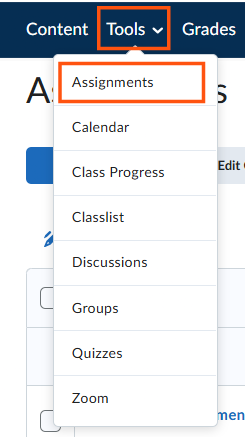
2. Click on the assignment you want to add Copyleaks to and navigate to the Edit page for the assignment.
3. Under the Evaluation & Feedback, under External Learning Tools, click the link to Add External Tool
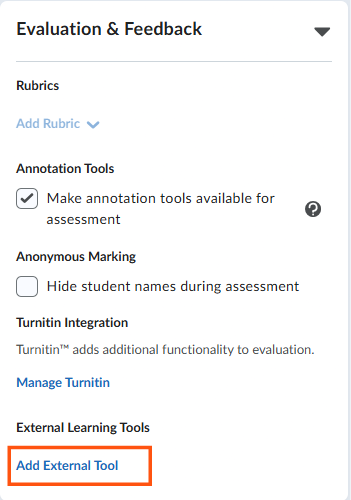
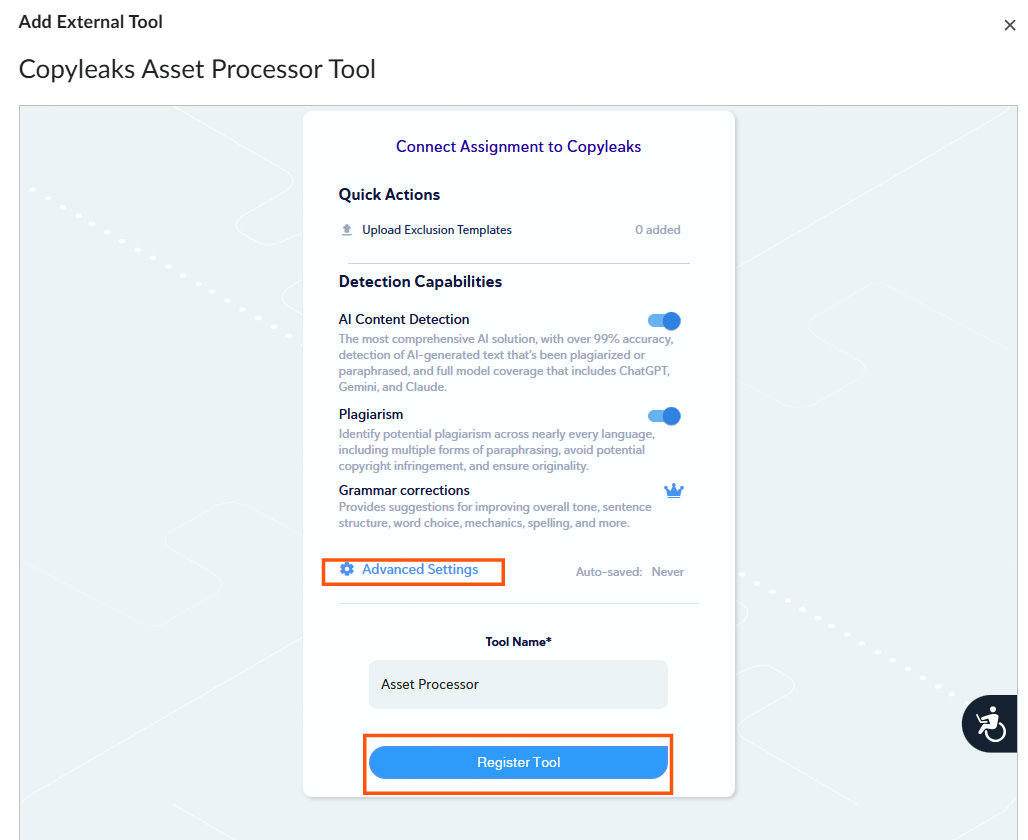
4. In the next menu, you can select the types of detection you want to add. If you want to configure advanced settings, you can click the Advanced Settings Option on this page as well.
5. Once you are done, click Register Tool
6. Click Save and Close

