How to Assess the Outcome of an On Paper Exam
Last updated: Nov 17, 2026
764
views

Once students have taken the on paper exam and it has been graded click into the "Assignments" Tool. Click on the caret next to the name of the exam then "View Submissions"
v 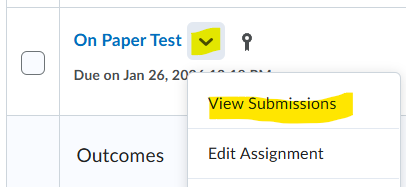
Click on the name of the student to evaluate. From here you can enter the overall grade, feedback, and then scroll down to the "Outcomes" section. Select the appropriate achievement level.
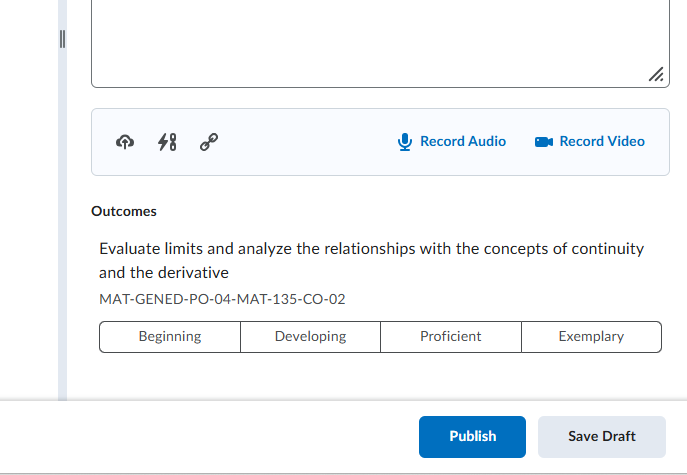
When finished, click the blue "Publish" button or "Save Draft."
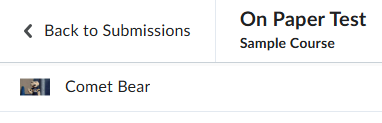
Click on the arrows at the top right of the page to navigate to additional student submissions, or return to the submission list by clicking the button at the top left of the page.