How to Assess the Outcome of an On Paper Exam

Feb 25, 2026
 71
71
Begin by building a placeholder for the exam in the "Assignments" Tool. Click on the caret next to the name of the exam then "View Submissions"
v 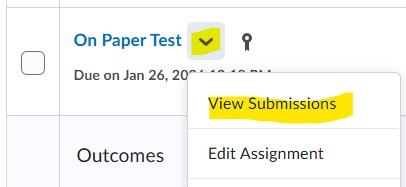
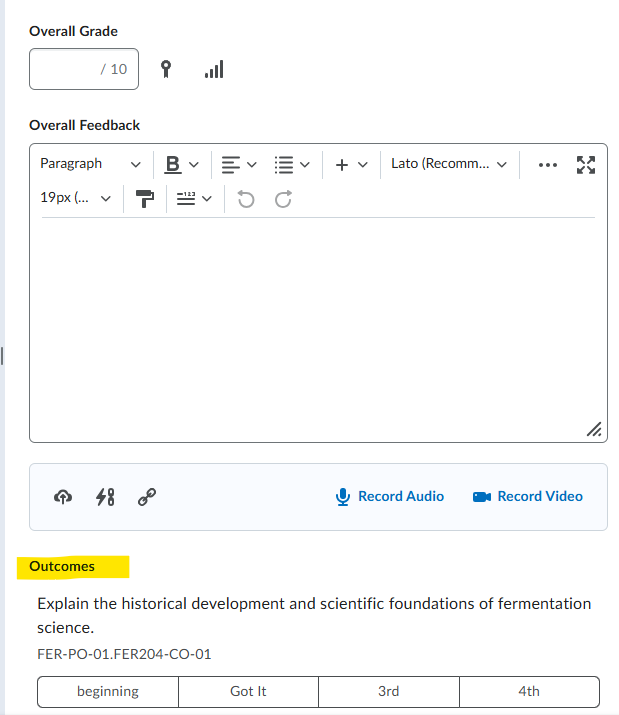
Click on the name of the student to evaluate. From here you can enter the overall grade, feedback, and then scroll down to the "Outcomes" section. Select the appropriate achievement level.