


How to Change Discussion Boards to Grid View

Dec 02, 2025
 439
439
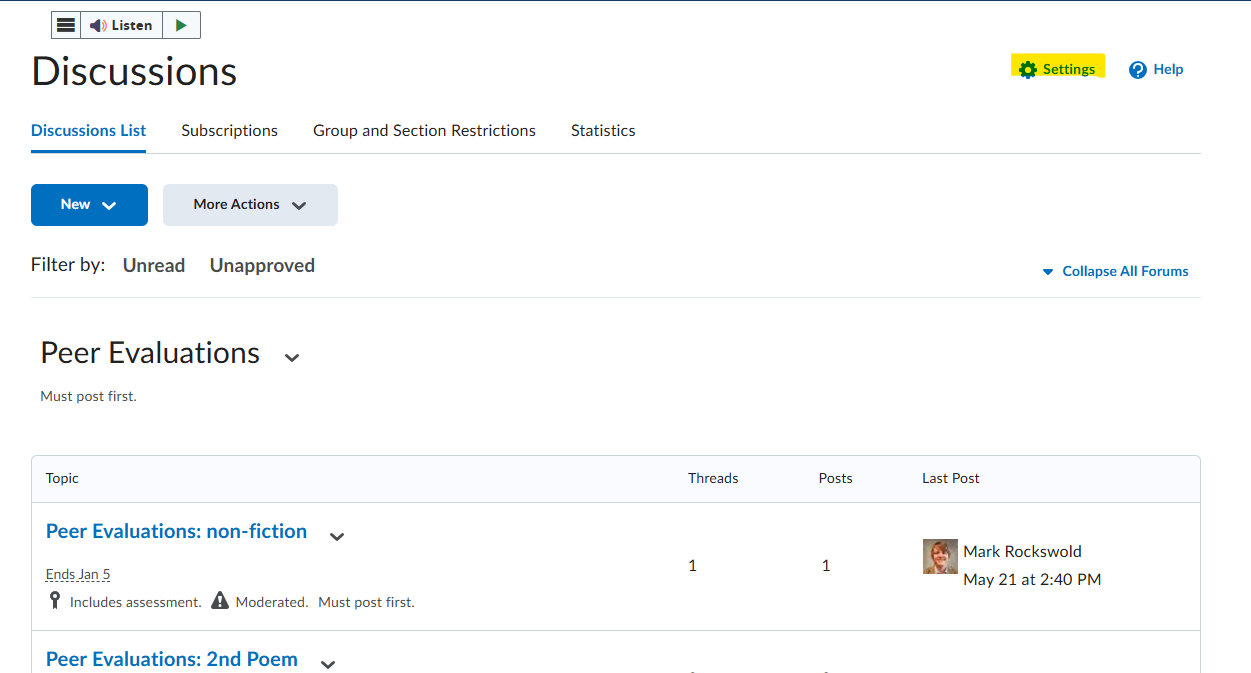
You can change the default "Reading View" in discussions to "Grid View" in order to better see multiple posts at a glance. Begin by clicking on the "Tools" dropdown in the blue navbar, then "Discussions." Next, click on the blue "Settings" cog at the top right of the page.
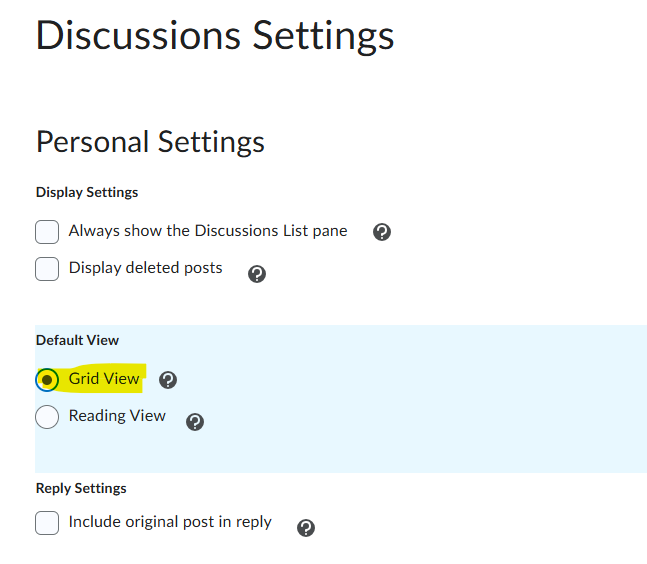
Under the "Default View" options click on the radio button next to "Grid View"
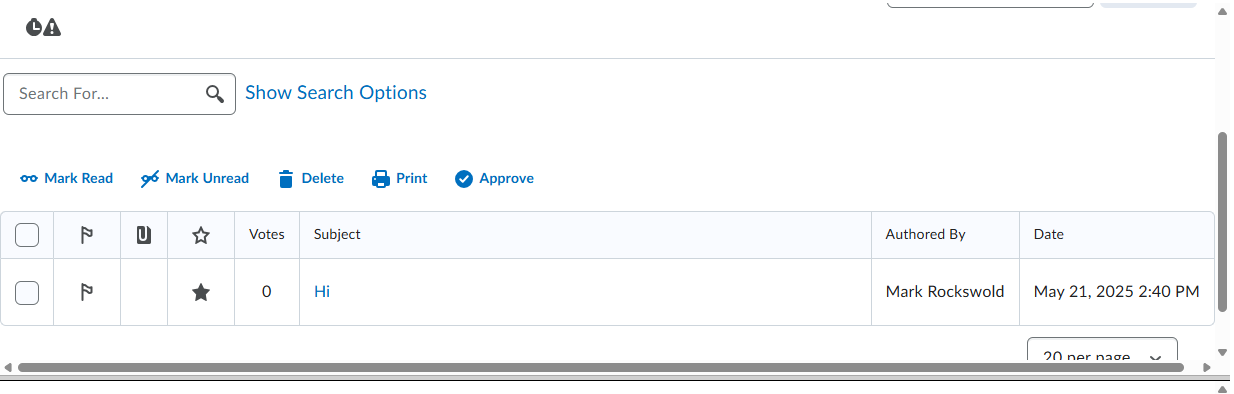
Next click "Save." Now when you click on a discussion topic you will see the new grid view.
Follow the same steps to change the default view back to "Reading View."

